This iPhone mockup tool puts your screenshot into a real iPhone 17, iPad, MacBook or browser frame. Then it adds a background, a soft shadow and a 3D angle. You see the result live, and the export is a crisp PNG, even with a transparent background.
By The Bezelyard team (Product and testing). Last updated .
How the iPhone mockup tool works
- Drop a screenshot, or keep the sample screen to try it first.
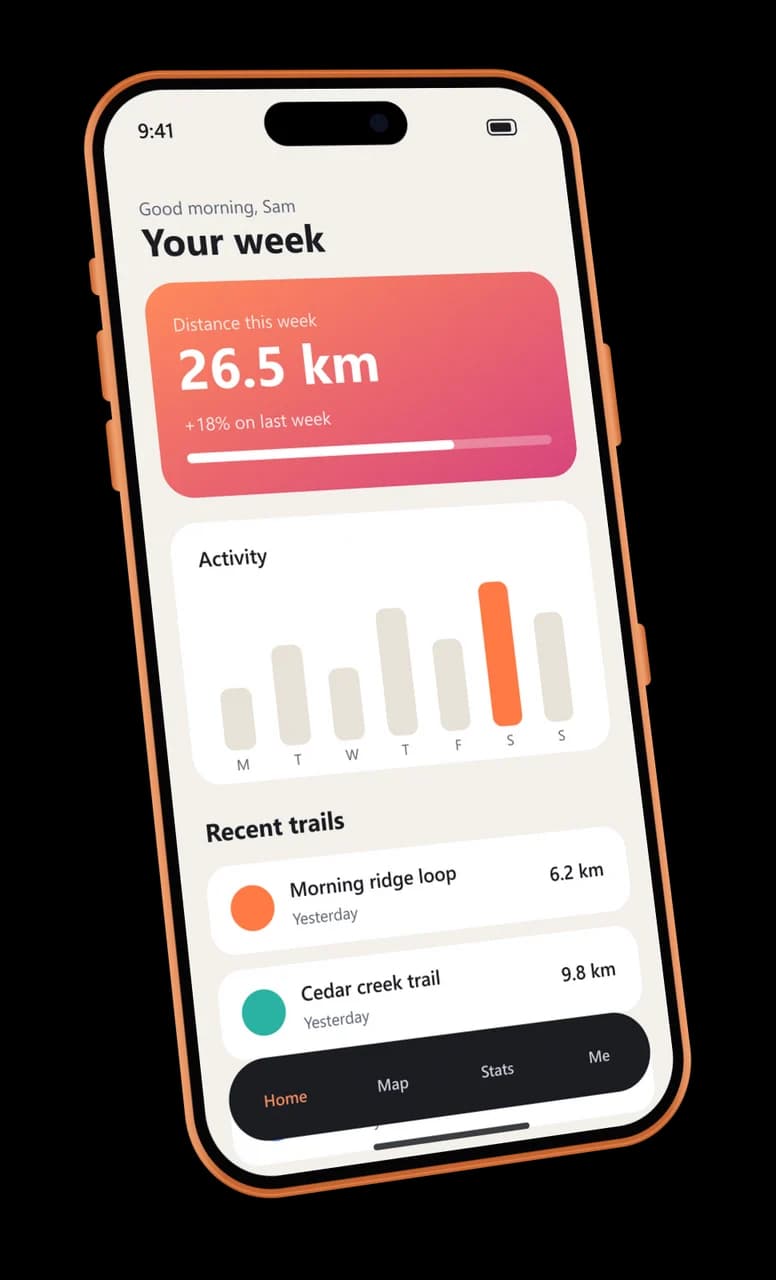
- Pick the device and its color, such as an iPhone 17 Pro in Cosmic Orange.
- Choose a background, a shadow and an angle, and watch the live preview.
- Finally, export a PNG, WebP or JPG and drop it into your post or deck.
First, the preview runs in your browser, so every change shows at once. Also, it uses the same frame drawing and the same perspective math as the export. As a result, the file you download looks exactly like the preview.
Next, the export comes from our server. There it places your screenshot at the native pixel size of the screen, bends the device into real perspective and adds the shadow and the background. Also, it keeps nothing: your image lives in memory for one export only.
One iPhone mockup, then every device on your launch page
In fact, every image below came out of this tool, from demo screenshots we drew for our own made-up apps.

01iPhone 17 Pro
The iPhone mockup for your launch post
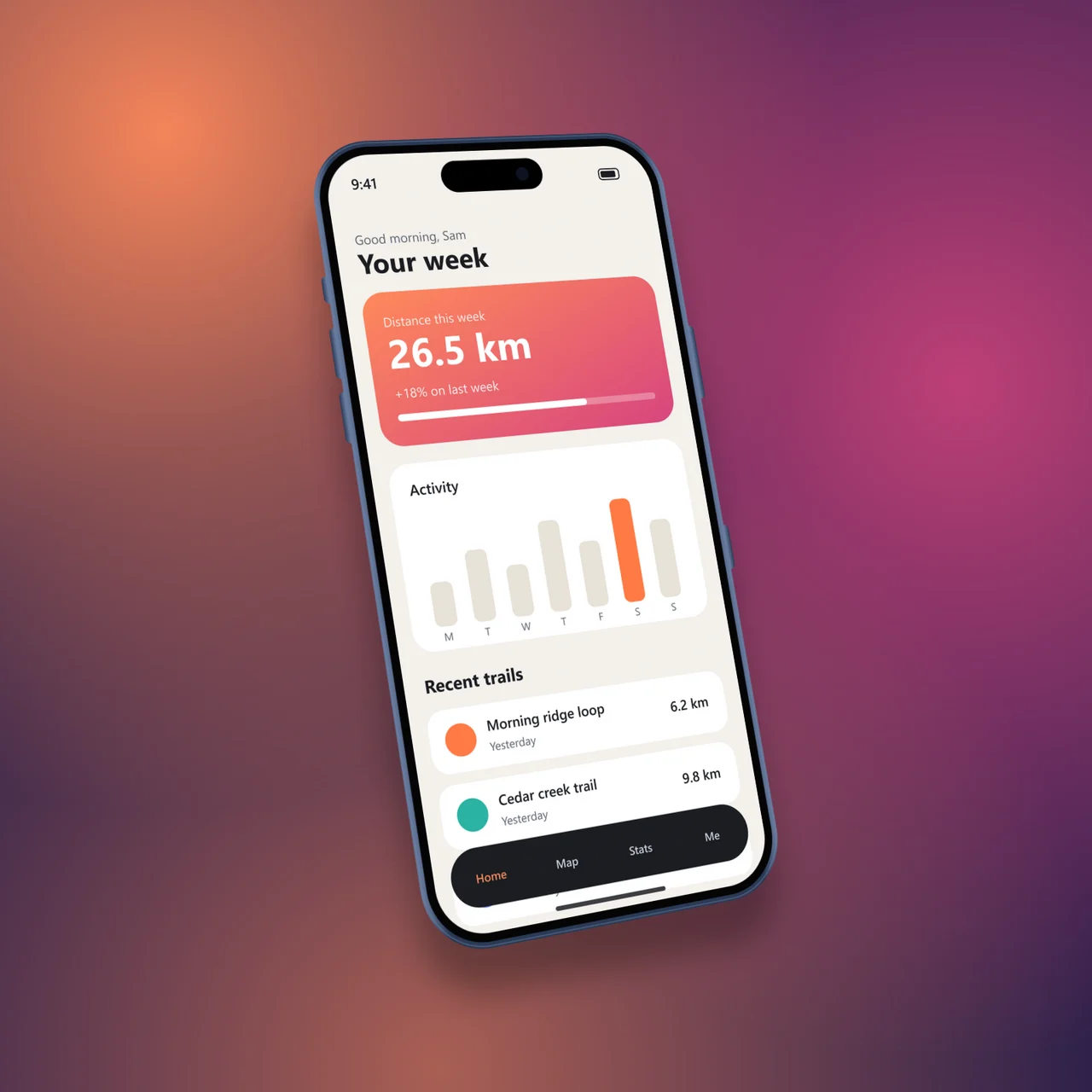
First, the app screen in an iPhone 17 Pro frame, turned in real perspective with a floating shadow. The screen keeps every pixel of the original.
Learn more about The iPhone mockup for your launch post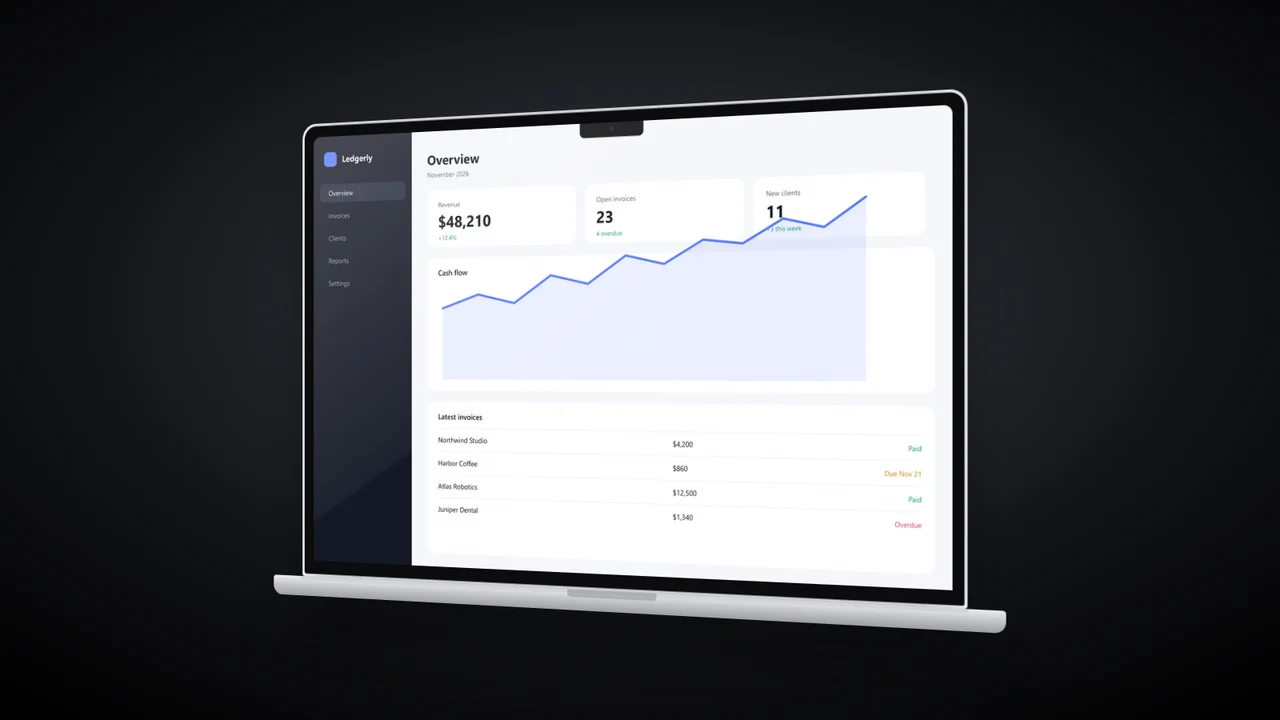

02MacBook Pro 14
The laptop shot for your landing page
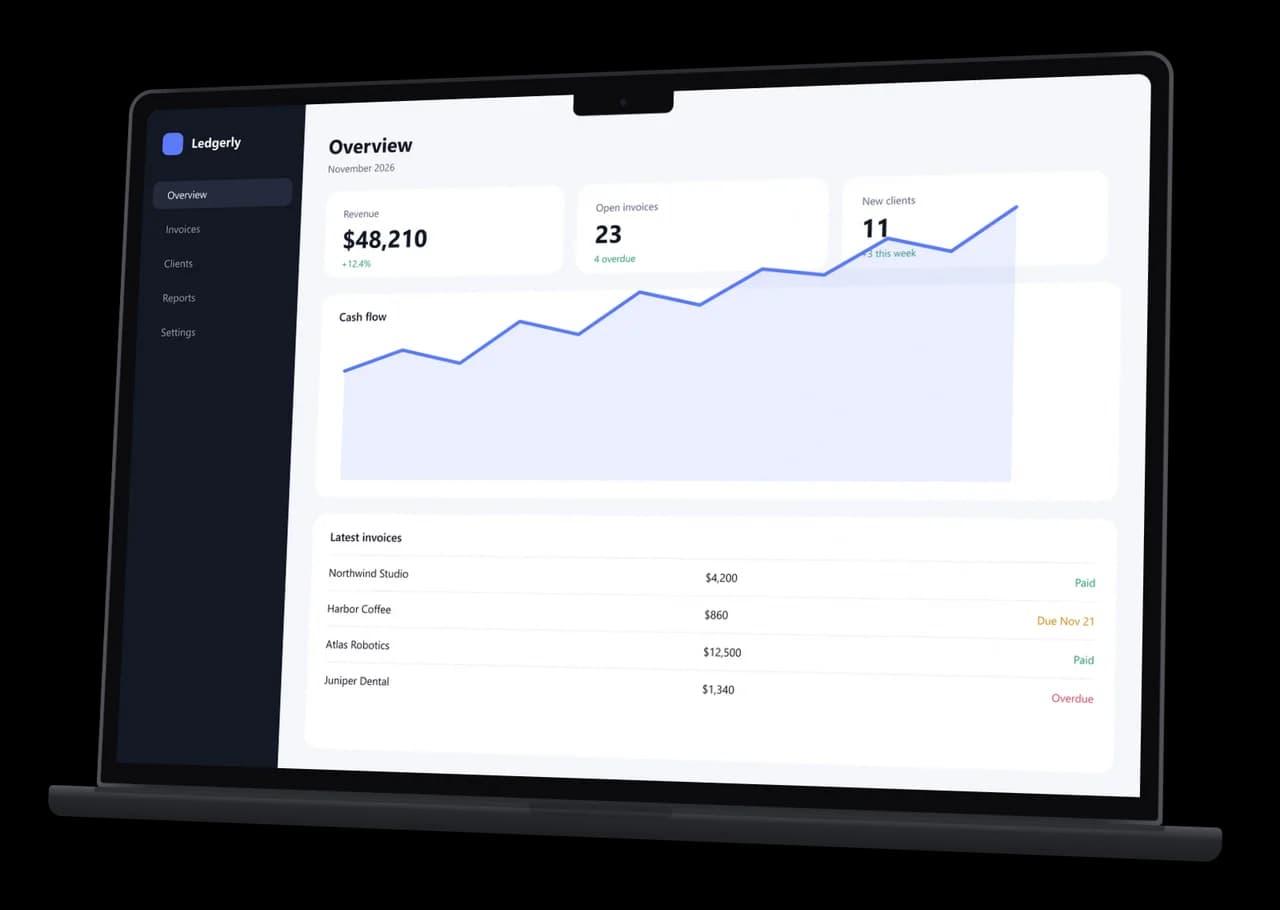
Next, a dashboard screenshot at 3024 x 1964 fills the MacBook Pro 14 screen exactly, notch and all, on a warm gradient.
Learn more about The laptop shot for your landing page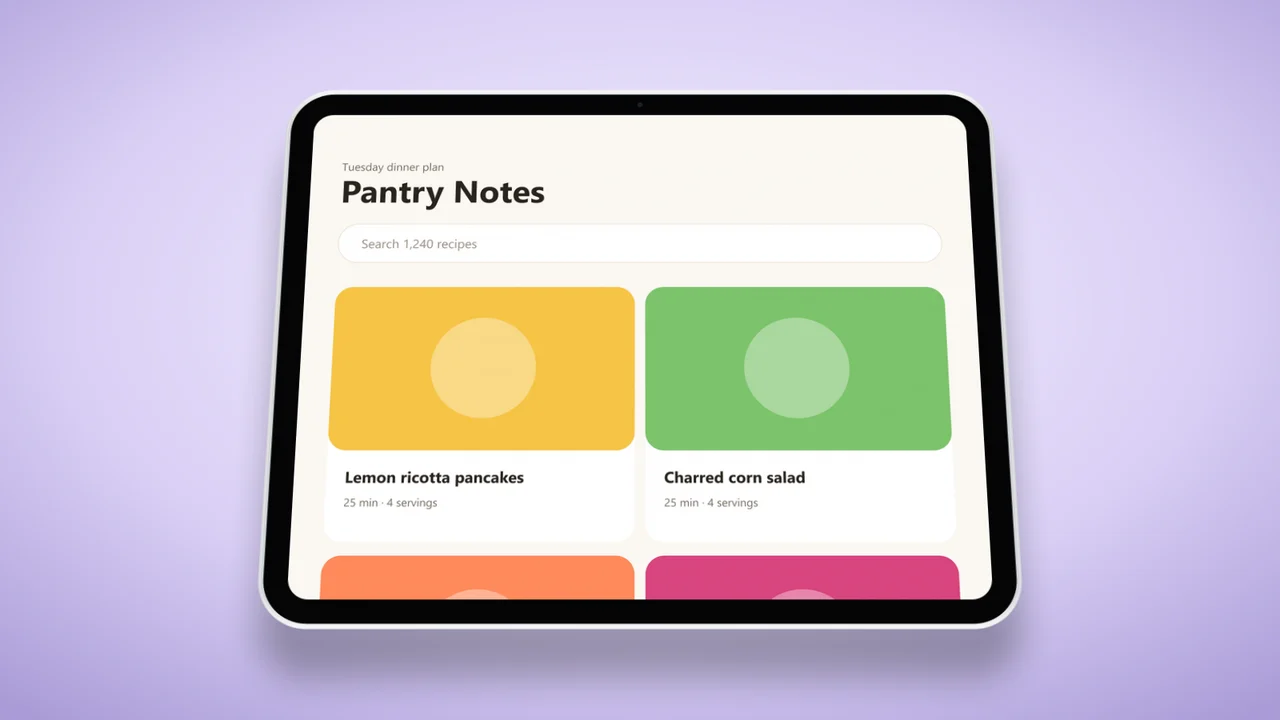

03iPad Pro 13
The tablet shot for your feature grid
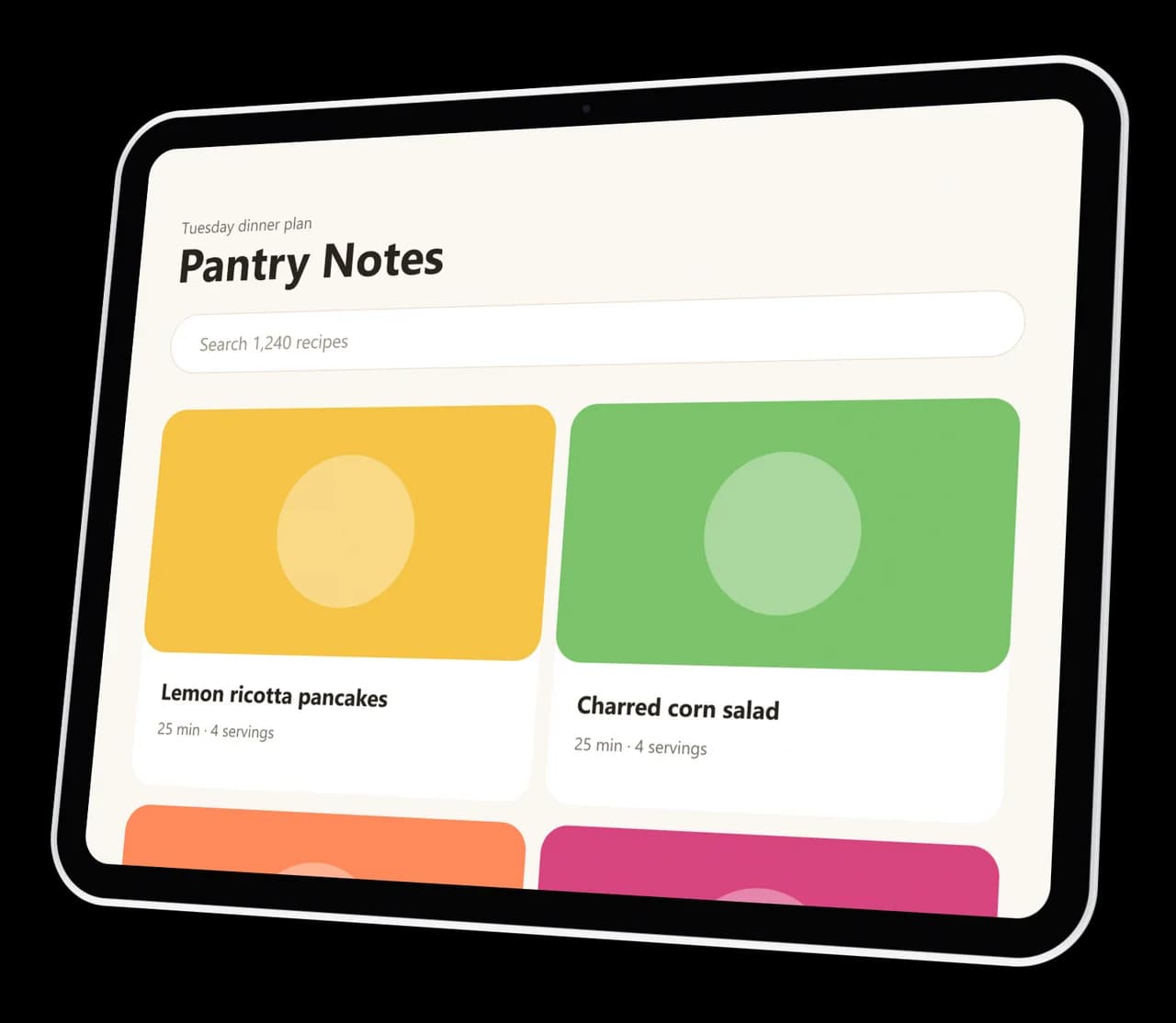
Then a recipe app on an iPad Pro 13 in Space Black. The thin even bezel reads as an iPad even at small sizes.
Learn more about The tablet shot for your feature grid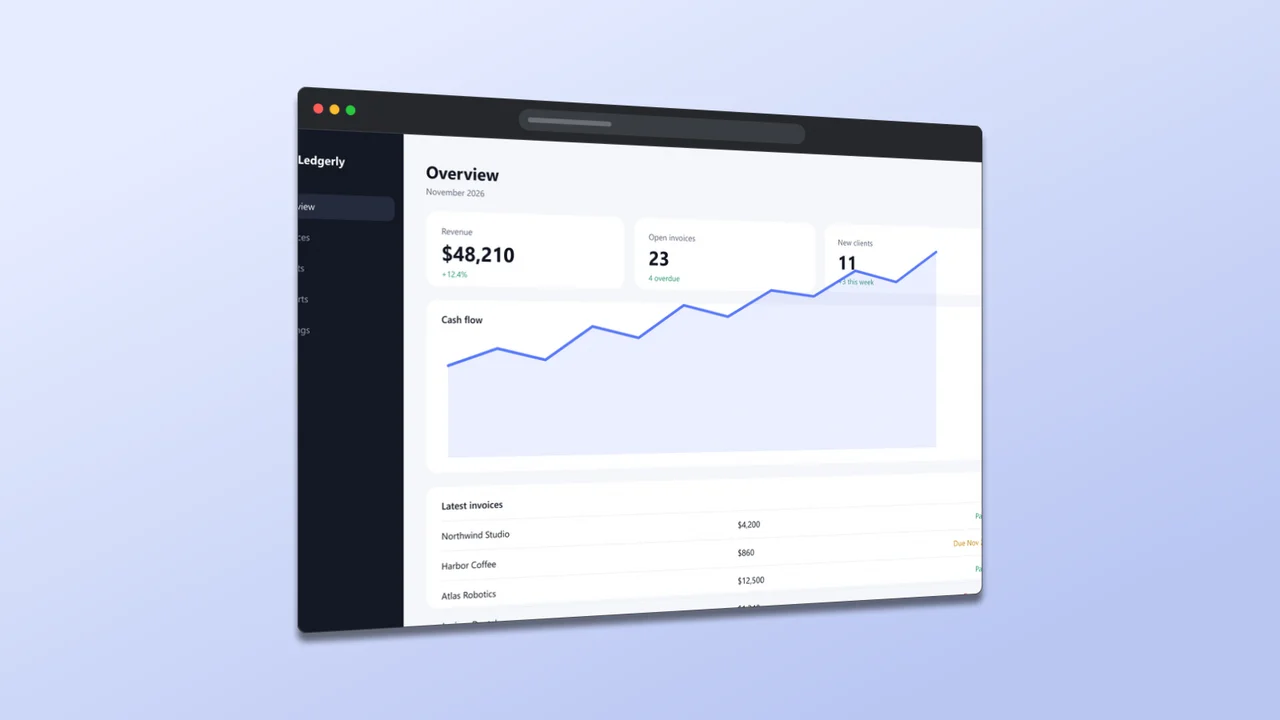

04Browser window
The web shot for your docs and decks
Finally, the same dashboard in a clean browser window with a toolbar, for docs, changelogs and pitch decks.
Learn more about The web shot for your docs and decks
Your screenshot is next
An iPhone mockup in under half a second
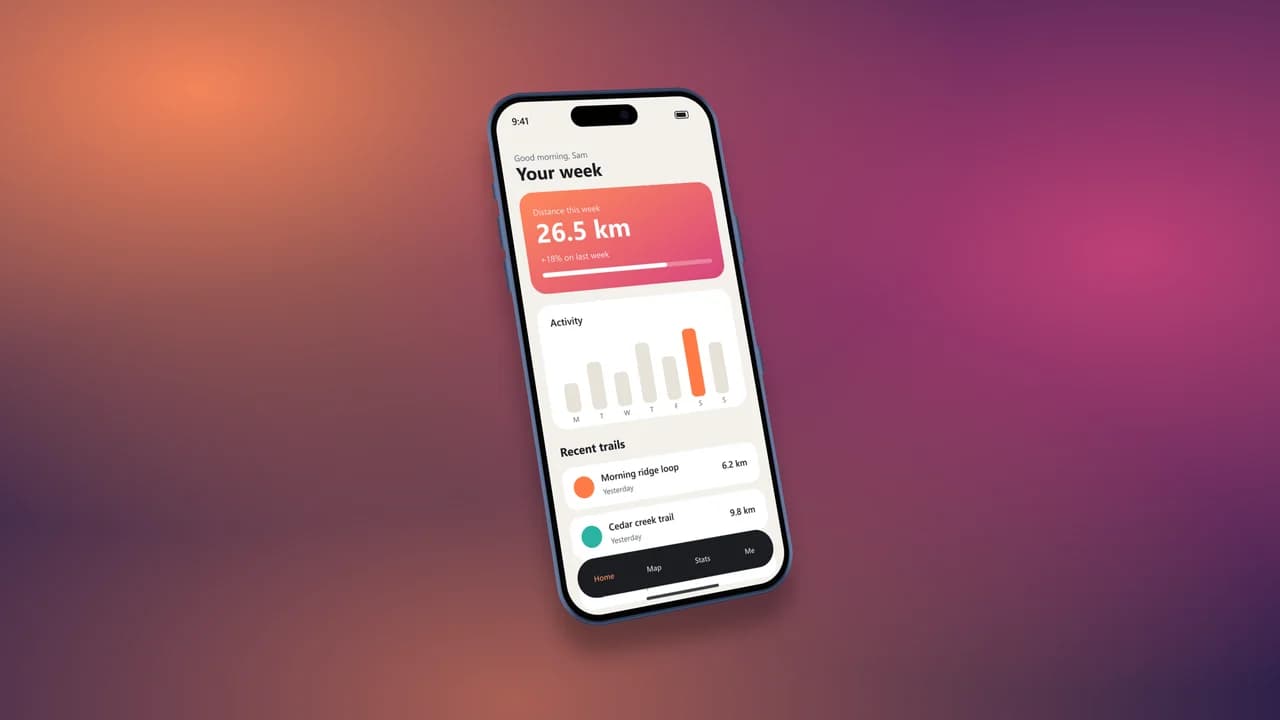
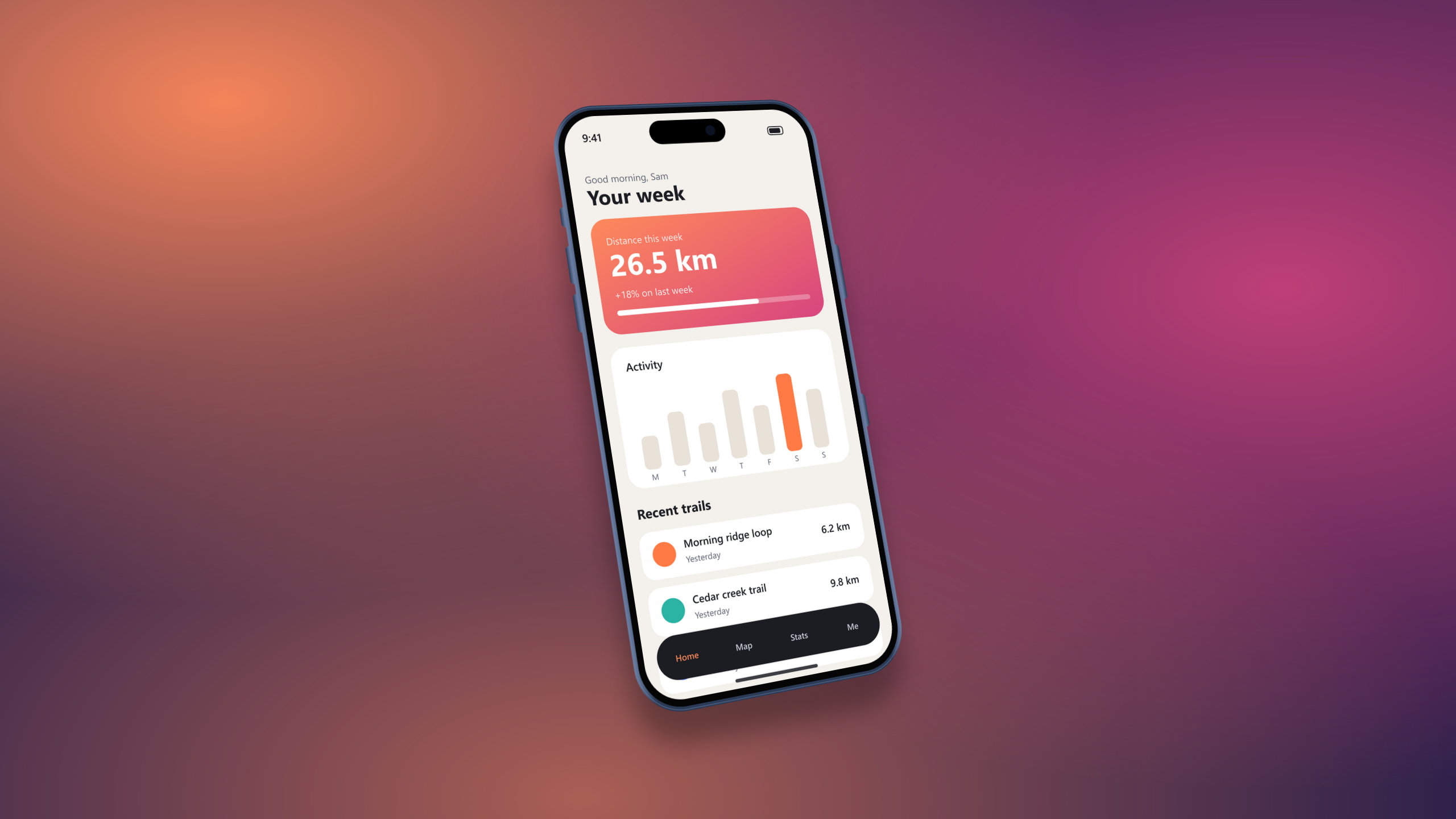
To test it, we took our own demo app screen at 1206 x 2622 pixels and asked for a 2K iPhone 17 Pro mockup in Deep Blue, at a hero angle, on a dusk mesh background with a floating shadow. As a result, the server returned a 2560 pixel wide PNG. In fact, the screen text stays sharp, because the screenshot is placed at full size before the frame turns.
- Width
- 2,560 px
- Render
- 492 ms
- PNG size
- 1,225 KB
- Devices
- 14
Mockups for every device you ship on
In short, each page explains one device or one use, and each one carries the same live tool. So start with your phone, and then add the rest.
Free previews, clean 4K files
The live preview is always free, and so are a few HD exports each day. However, clean 2K and 4K files without the corner mark cost one credit each. See the pricing page.
- Live preview, always
- Every device and color
- 3 HD exports a day
- Transparent PNG
- 2K and 4K, no mark
- No daily limit
- Credits never expire
- About $0.16 per export
- 2K and 4K, no mark
- Priority support
- Cancel anytime
- 2K and 4K, no mark
- Priority support
- For agencies and app teams
- Priority render queue
- Everything in Starter
1 credit = 1 clean export in 2K or 4K, with no corner mark. The live preview is always free. Pack credits never expire. Payments go through Lemon Squeezy, the merchant of record.
When this iPhone mockup tool is not the right pick
For one, it makes still images. So if you need an animated device video for a store preview, use a video editor or a motion app instead.
Also, it frames screens; it does not place a phone in a hand or on a desk in a photo. For lifestyle scenes, a stock photo mockup with smart objects is still the better choice.
iPhone mockup FAQ
Is this iPhone mockup generator free?
Yes. The live preview is free with no limit, and you get free HD exports every day with a small corner mark. Clean 2K and 4K exports cost one credit each.
Which devices can I use?
iPhone 17, 17 Pro, 17 Pro Max, iPhone Air, iPhone 16, 16 Pro and 15, a generic Android phone, iPad Pro 13 and iPad Air 11, MacBook Pro 14, MacBook Air 13, a Windows laptop and a browser window.
Can I get an iPhone mockup PNG with a transparent background?
Yes. First, pick the Transparent background and export as PNG or WebP. Then the device and its shadow keep soft edges, so they sit well on any slide or web page.
Do I need to sign up?
No. You can preview and export without an account. Instead, an account only stores the credits you buy.
Do you keep my screenshots?
No. Our server reads each file into memory for one export and then drops it. So we never store, share or train on your images.
Can I use the mockups in ads and on the App Store?
Yes, the images you export are yours to use. Apple has its own rules for showing devices in App Store screenshots, so check its marketing guidelines for store pages.
Lights on. Screenshot in.
The preview and the daily HD exports are free, with no sign-up. So drop your first screen now.