iPhone 16 mockup with the real 6.1 inch screen
To build an iPhone 16 mockup, upload a screenshot and keep the iPhone 16 frame, which matches Apple's 2556 by 1179 pixel display. Then pick Black, Ultramarine, Teal, Pink or White and set a background. A capture from the phone fills the screen at full size, so small text stays crisp.
By The Bezelyard team (Product and testing). Last updated .
How to create an iPhone 16 mockup, step by step
- Take a screenshot on an iPhone 16, which saves at 1179 x 2556 pixels.
- Drop the image on the tool, or press Choose screenshot.
- Choose a color. Ultramarine and Teal are the brightest ones.
- Pick the Mint background and the Turn left angle.
- Set the canvas to Portrait 4:5, then export a PNG.
The live preview is always free, and you get 3 free HD exports a day with a small mark. See the pricing page for clean 4K exports, or read how we test every frame.
An iPhone 16 mockup sized to the 2556 x 1179 screen
Apple lists the iPhone 16 display at 6.1 inches, 2556 by 1179 pixels and 460 ppi. We drew the frame around that exact screen, so a screenshot from the phone drops in one to one. In contrast, the 17 and 16 Pro frames expect 1206 x 2622, so a 1179 wide capture would have to scale up.
The frame keeps the details people recognize. The Dynamic Island sits on top of your screenshot, and the corners follow the rounded display. In addition, the iPhone 16 has the Camera Control button on its right side, and we drew it in. That small bump helps the phone read as a 16 rather than an older model.
Five colors and the backgrounds they suit
The iPhone 16 comes in Black, White, Pink, Teal and Ultramarine, and each one is a swatch in the tool. Ultramarine is a saturated blue violet, so it looks bold on a mint or paper background. Teal sits nicely on a peach gradient, because the two tones balance each other. Pink is softer and fits beauty, lifestyle or kids apps.
Black and White are the safe picks. For example, Black gives a sharp outline on the Studio spotlight, while White almost disappears on Paper. That quiet look helps when the screen itself has strong color. Still, we suggest one bright frame per launch post, since several loud colors fight for attention.
When to pick the 16 over a newer frame
The iPhone 16 is still a very common phone, so its frame looks familiar in a help article or a changelog. It also fits when your screenshots already come from a 16 test device. Then you skip resizing, and the status bar in your capture lines up with the frame.
On the other hand, a launch hero often calls for the newest phone. In that case, the iPhone 17 frame has a similar look but a 6.3 inch screen. You can switch devices in the dropdown at any time. The background and angle stay as you set them, while the color resets to the first swatch of the new model.
iPhone 16 mockup frame specs
| Item | Value |
|---|---|
| Screen size | 6.1 inch |
| Screenshot size | 1179 x 2556 px (portrait) |
| Pixel density | 460 ppi |
| Frame colors | Black, Ultramarine, Teal, Pink, White |
| Camera Control | Drawn on the right side |
| Export sizes | 1600 px free, 2560 or 3840 px with a credit |
| Formats | PNG, WebP, JPG |
IPhone 16 mockup tested with a real screenshot
We rendered this image with the same code the tool on this page uses, from a demo app screenshot we drew ourselves. So the picture and the numbers below come from that run, not from a stock photo.
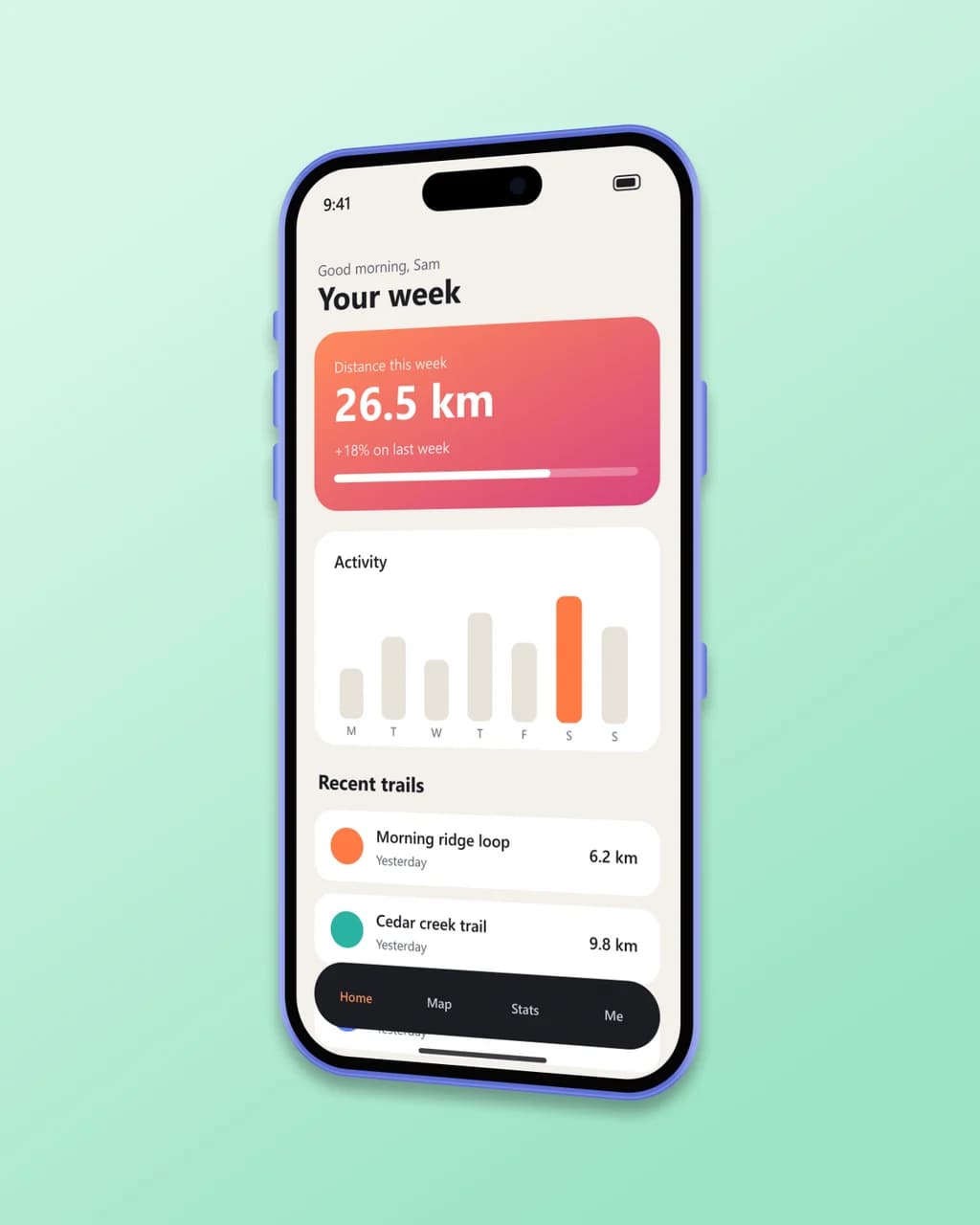
- Test input
- phone-app-1179.png (1179 x 2556 px, our own demo app)
- Output
- iPhone 16 mockup, 1280 x 1600 px PNG
- Device
- iPhone 16
- Export size
- 1280 x 1600 px
- Angle
- 24° turn, 0° lean
- Background
- linear
- File size
- 533 KB
- Render time
- 279 ms
How we check exports: a script renders every device, compares the screen area with the published resolution, and we look at each frame at full size. More on the about page.
IPhone 16 mockup FAQ
Is the iPhone 16 mockup free to use?
Yes. Preview as much as you like, and download 3 HD exports a day for free. Those carry a small corner mark, while a credit removes it and gives you 2K or 4K.
Will an iPhone 16 Pro screenshot fit this frame?
It will, but not one to one. A 16 Pro capture is 1206 x 2622, so the tool scales it down to the 1179 wide screen and trims a few pixels from the bottom. For a perfect fit, use the 16 Pro frame.
Can I get the iPhone 16 frame without a background?
Yes. Choose Transparent, and the export becomes a PNG with an alpha channel. You can then place the phone on any slide or web page.
What is the difference between the iPhone 16 and iPhone 15 frames?
Both have a 6.1 inch, 1179 x 2556 screen, so the same screenshot fits either one. However, the 16 frame has slightly thinner bezels, the Camera Control button and its own five colors.
Can I tilt the phone in 3D?
Yes. Use a preset such as Turn left, or drag the Turn, Lean and Rotate sliders. The export uses real perspective, so the screen bends with the frame.